

Forum Replies Created
-
AuthorPosts
-
zdlAdmin
ParticipantOK, one more question, and then maybe another. Can you give me the last name of the gift-giver? Something to help me tie down the sale. (there’s a gap in my serial-number record-keeping.) I take it the gift was a complete Altura, not a kit, correct?
ParticipantSorry to hear this, Earl. Let’s get you up and waving. First, what’s the serial number on your unit? It’s on the circuit board, on a round sticker. Second, do I understand the display displays nothing? Nothing at all? Always dark, even when you gently press on it and rock it a little with your fingertip? Third, what do you have the Altura connected to? A synthesizer or a computer? With the synth or computer set to OMNI, meaning it is listening for MIDI data on all channels, do you see any signs of life? On the synth there is usually a LED that flickers as MIDI data passes through. On a computer, of course, you should be able to display the entire data stream, even if you don’t hear anything yet.
If the display is not working at all, it’s tricky to know what the Altura is up to, or how it is set. Make sure the OCTAVE NEAR and FAR knobs are both set to more or less the 12 o’clock position. This will cause the Altura to transmit notes over one octave, right in the middle of the piano. If the knobs are all far-left (as they sometimes leave the Lab), then the Altura will be set to Octave 1, which is mostly subsonic.
Participant“I’m a sound designer and do a lot of sound fx recording with lots of different mics, including contact mics and hydrophones. I was on a video game shoot last week and one of the guys had one of your contact mics that he had built; of course mic junkie that I am, I had to have one but with no time before my next job decided to get the pre-built version. I’m also intrigued with the reference to hydrophones in the piezo explanation paragraph.”
— John F, Santa Monica, CA
ParticipantI do electro-acoustic music, and I want to use it for a lot of different application.
My first test will be a test for a circus creation. I want to try to amplify a wood floor which will vibrate under Cyr wheel’s movement.
the second test will be the string of a funambulist.–Fabien, Montreuil France
ParticipantHey Grant! Glen here. Sorry your Percolator did not fire up on the first try. Brach the Percolator designer will chime in on Monday. Meanwhile you may want to take a look at this thread for an example of a troubleshoot in progress. Short answer: examine that solder very carefully! Look for bridges — globs of solder that connect things that should not be connected. Look for “cold joints” where the solder did not flow smoothly into the pad and may not be making a good connection where it should.
We’ll get you there.
ParticipantThese are great observations, Tim. Thanks for taking the time to share your experience with us all!
ParticipantAnd the response from Brach, designer of the Percolator:
“The Percolator isn’t voiced like anything that I know of. My goal in designing the Percolator was to have a good sounding solo guitar amp at a low wattage. I live in a inner-city single-room high-rise apartment, so my goal was to have an amp that would sound great by itself in my room without making much noise to bother the neighbors. Most amps are designed to sit sonically in a mix so they can be heard in an ensemble setting. They don’t have too much low bass response or high response…they are designed to reproduce audio in a relatively narrow mid-range band…that way they don’t interfere with other instruments that are playing along side it. This way, the guitars can cut through the mix and be heard. This concept of the narrow mid-range frequency band works well when amps are being used in an ensemble context, but it’s fairly limiting when the guitar is a solo instrument. I designed the Percolator to be a solo instrument amp (for playing alone in one’s bedroom) so I widened the bandwidth accordingly. Because of this, it has a much beefier low and low-mid range than most other amps. Conversely, if you try to use the Percolator in an ensemble setting, you’ll find it gets lost in the mix…but this can be rectified with a properly set eq pedal.”
ParticipantUPDATE: We recently released Macchiato software Hotfix 3 that eliminates this behavior. The Macchiato now properly interprets both Note Off and Note On / Vel 0 messages to terminate notes. Download it from our Github page and flash it to your synth with a USB-Tiny programmer. If you are unfamiliar with this process, get an Arduino friend to help; they’ll do it blindfolded.
January 14, 2018 at 11:13 pm in reply to: Altura Theremin MIDI Controller Review for Nuts and Volts Magazine #2614ParticipantCraig, thanks for posting. We have not seen the review yet but look forward to it! Yes, it takes some practice to master the Altura, but yes, it’s easier than a theremin! We have some tutorial videos in the works to help with the learning curve.
ParticipantWow atwiniare, thanks for this thorough, thoughtful review. We really appreciate it. Readers can see the build in the gallery forum here.
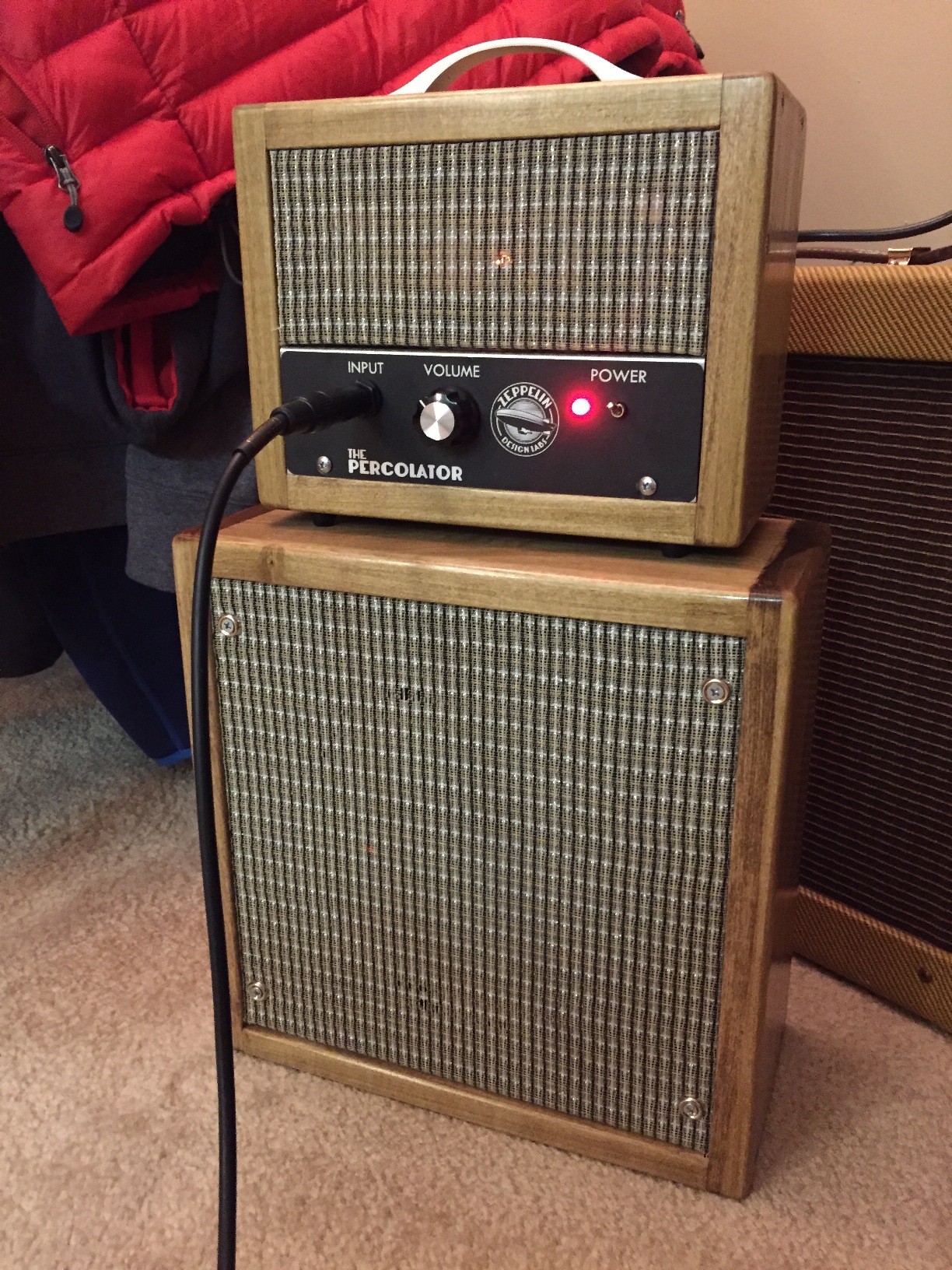
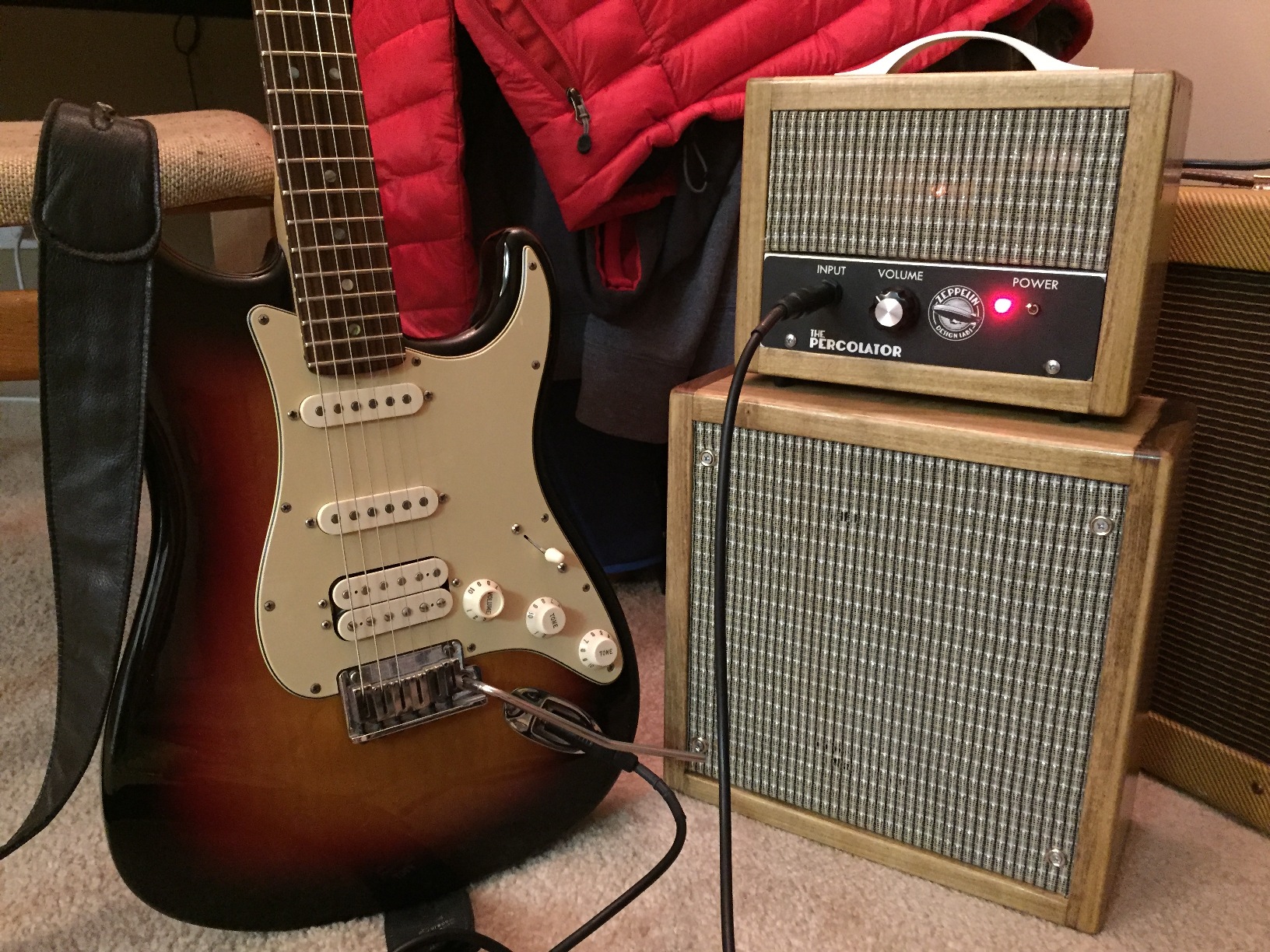
ParticipantThis is gorgeous! Thanks for sharing. Here, let me embed a couple of links to better host your photos. Do I guess right that you picked up Special Walnut instead of Dark Walnut? It looks great. Good work!
 Participant
Katherine (and others): there is a very slim possibility that we shipped a few units with no software on them at all! This, of course, would account for No Sound. The most direct solution is to download the latest software from our Github page and flash it to your Macchiato. If you have never done this sort of thing, you may want to find an Arduino-enthusiast friend, who will be able to do this with both eyes tied behind his back. Otherwise, obtain a USB-Tiny programmer and the AVRDUDE utility. Follow the Github instructions.
If you do not want to mess with this, write to us at info at zeppelindesignlabs dot com and we’ll work it out.
ParticipantHere’s a couple things to check:
1. An earlier version of the Macchiato software sometimes showed this behavior. We believe your board has the latest software on it, but the only way to be sure is to download the latest from Github and re-flash it. (I see you just ordered a USB Tiny programmer.)
2. We had a generic USB-to-MIDI cable here in the Lab that proved to be a piece of junk. It was actually missing some components from its innards and yielded unreliable MIDI conversion, with all sorts of ill effects. This is not an uncommon problem. Here is an article on fixing a buggy cable.
3. The MIDI specification allows for two ways to tell a device to stop playing a note: with a Note Off message, and with a Note On / Velocity = 0 message. Theoretically they are equivalent, but we have seen several devices fail to respond reliably to one or the other. We developed the Macchiato to take Note On/Velocity 0 messages. Check your DAW. See which message it is sending. If there is an option, try to get it to send Note On Vel 0 in place of Note Off.ParticipantFOLLOW UP: We released some updates summer 2017 in an attempt to rewrite the Macchiato to compile on a more recent version of Arduino and Mozzi. These updates had some stability and other performance issues, and we recently reverted to a vamped-up version of the old code. So the latest release, v1.1.2 (software file v1_171024) is packed with the latest features, sounds a little better and is every bit as stable as the original Macchiato — but it still has to be compiled with Arduino 1.0.5r2.
Participant!!BRAVO!! I am SO GLAD to hear you solved the mystery! That’s really good news for a Monday morning. Have fun with your gear, and if you capture any crazy-wild sounds, be sure to share them with us.
Glen
-
AuthorPosts